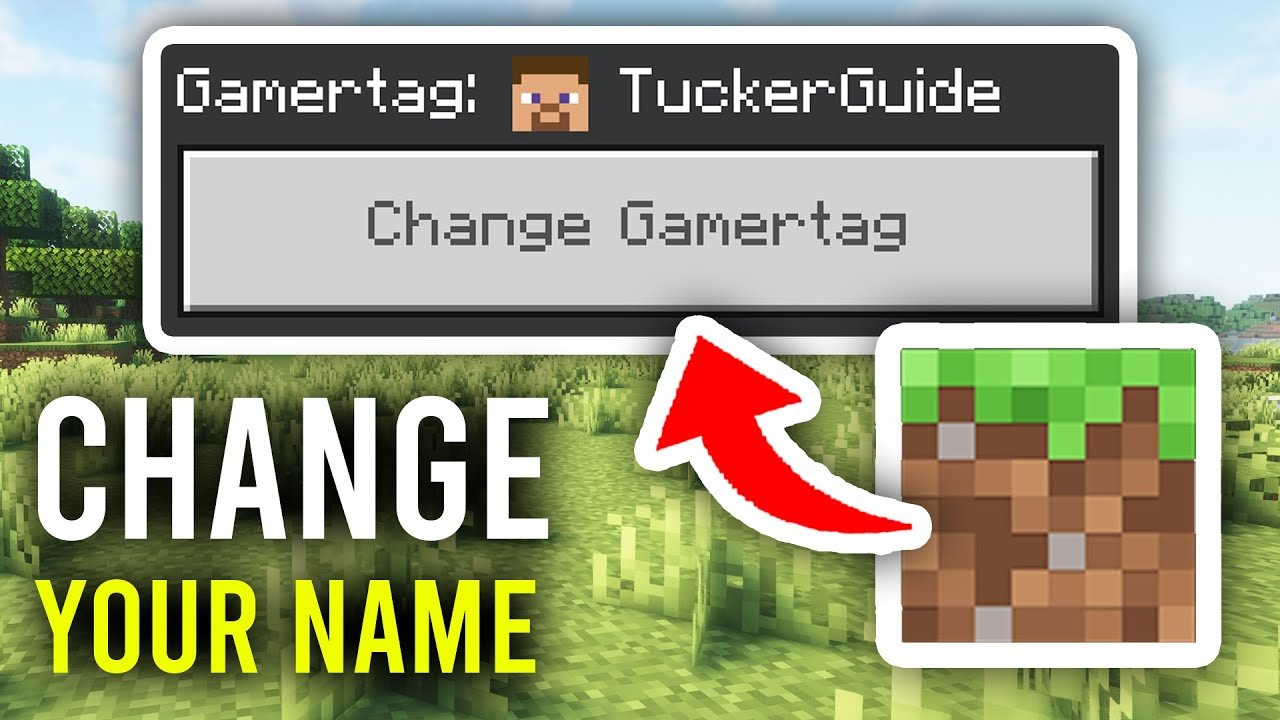
Ever felt stuck with a name in Minecraft that just doesn’t click? Wondering how to change your name in Minecraft and actually get it done without messing things up? Let me save you the hassle. You’re not alone — tons of players switch names to match their evolving gaming identity or just for pure fun 🚀. This guide walks you through every step like a pro, from account requirements to smart tips and even common mistakes to dodge.
Quick Facts About Minecraft Name Changes
- Changing your Minecraft name is free but limited to once every 30 days.
- Your Minecraft username must be unique and follow specific character rules.
- Name changes apply globally across all Minecraft servers linked to your account.
Understanding Minecraft Account Basics
The first catch you’ll face when figuring out how to change your name in Minecraft is knowing the difference between your Mojang account and your game username. Your Minecraft profile name is the handle others see in-game. But it’s tied deeply to your account credentials, so keep that in mind.
Why Change Your Name?
- Want a fresh identity or personality reboot in-game?
- Join new servers with a new theme or persona?
- Fix typos or mistakes made during account setup?
Step-by-Step: How To Change Your Name In Minecraft
Ready for the hands-on part? Follow these 🔢 numbered steps carefully.
- Head over to the official Mojang or Minecraft website and log into your Mojang account.
- Navigate to the profile or account settings section.
- Locate the ‘Change Profile Name’ option.
- Input your desired new name, and check for availability. (Name must be 3–16 characters, no spaces, only letters, numbers, and underscores.)
- Confirm your change. You might need to enter your password again.
- Wait for confirmation; new name updates should take effect across all your Minecraft services.
Remember this!
You can only change your Minecraft username once every 30 days. Make it count!
Common Issues & How To Troubleshoot
“Name Not Available” Error
This usually means someone else owns that name—either active or recently used. Try tweaking the spelling or adding underscores.
Account Login Problems
Too many attempts with the wrong password? Mojang locks your account temporarily as a security measure. Wait 24 hours or use the password reset feature.
What Happens After You Change Your Name?
Your new name appears everywhere: on servers, leaderboards, and friend lists. But your old name becomes free after 37 days, meaning someone else might snag it. Keep that in mind if you’re worried about identity theft or impersonation.
Pro Tip
If you want to switch back to your old name, you need to be quick — it locks away for 37 days after you change.
How Minecraft Name Changes Work on Different Editions
Unlike classic Minecraft Java Edition, Minecraft Bedrock Edition (on consoles & mobile) ties your username to your Xbox Live or Microsoft account. You’ll need to change your gamer tag through those platforms rather than Mojang’s site.
Keeping Your Minecraft Identity Safe 🚀
- Use a strong password and enable two-factor authentication.
- Verify your email linked to Mojang or Microsoft accounts.
- Never share your account credentials, even with friends.
Bonus Hacks & Creative Ideas
Want to stand out? Mix uppercase and lowercase letters cleverly, use underscores, or invent abbreviations that hint at your personality. Also, check Minecraft forums and communities — sometimes, original ideas there spark your perfect new name!
Wrapping It Up
Figuring out how to change your name in Minecraft is not rocket science, but it needs care. Miss the 30-day limit, mess up your input, or try using banned characters, and it’s back to square one. Follow the steps, respect the rules, and show off that fresh name with pride 💬. Whether for fresh starts or correction, now you hold the keys to rename confidently.

Source: www.youtube.com
Frequently Asked Questions
How often can I change my Minecraft name?
You can change your Minecraft name once every 30 days, so choose wisely! Any attempt to change it before this period will be blocked by Mojang’s system.
Is changing my Minecraft name free?
Yes, changing your Minecraft username on your Mojang account is completely free of charge.
Can I revert back to my old Minecraft name after changing?
You can return to a previously used name, but only if the 37-day quarantine period after your last change has passed, and the name is still available.
Do Minecraft name changes affect my saved worlds or servers?
No, changing your username doesn’t affect your saved worlds or progress on servers. Your account data remains intact.
Why does it say my desired name isn’t available?
Another user has already claimed that name or it’s currently reserved. Try variations or alternative spellings.
How do name changes work on console or Bedrock editions?
On Bedrock editions (Xbox, mobile), your name is linked to your Microsoft or Xbox Live gamer tag, so you must change it through those accounts.

Christina is a technical guide writer and gaming enthusiast with years of experience breaking down complex game settings. Specializing in server optimization and game mechanics, they are dedicated to helping players seamlessly customize their Minecraft experience—from updating skins and usernames to managing technical version settings.