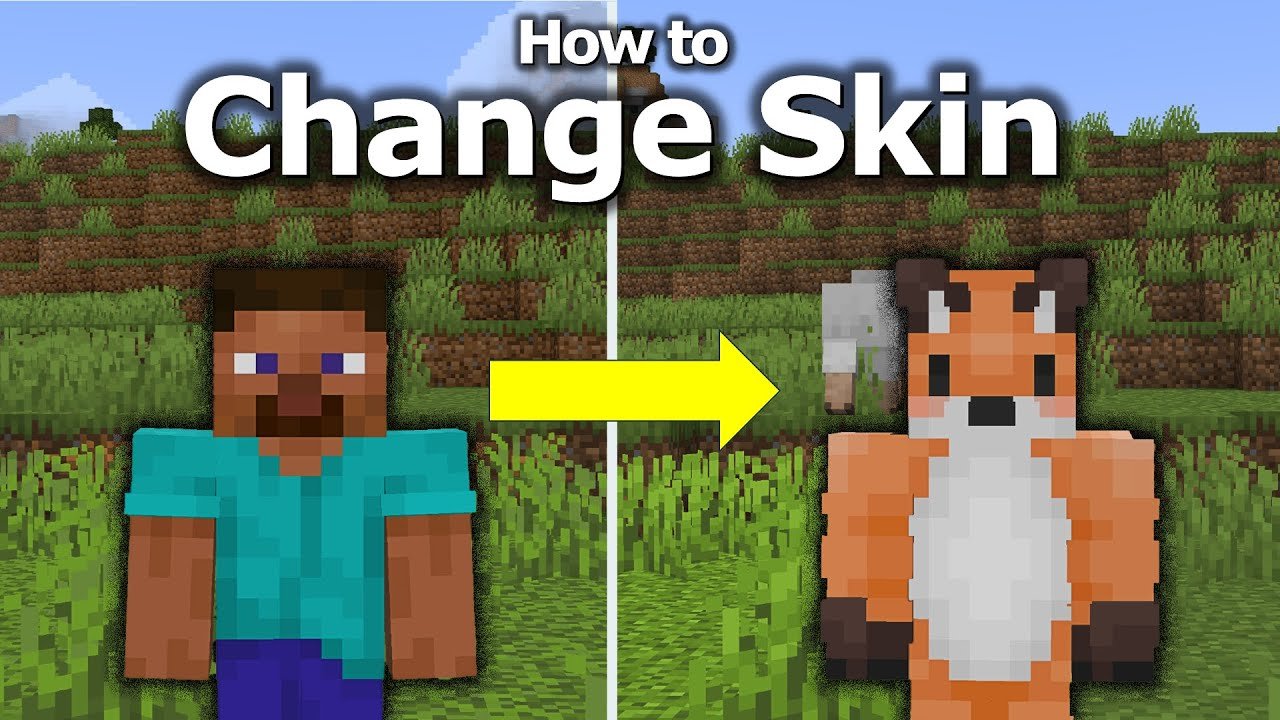
Ever wondered how to change my skin in Minecraft? Whether you’re tired of the default outfit or crave a personalized look that screams ‘you,’ this guide dives deep. No boring steps—just straightforward, practical tips. Let’s jump in.
Understanding Minecraft Skins
A Minecraft skin is basically your character’s outfit. But it’s so much more than that—it’s a golden ticket 🏆 to expressing yourself in the game. From funky hats to glowing armor designs, the skin says who you are before you even say a word.
Types of Minecraft Skins
- • Default skins (Steve, Alex)
• Custom skins created by players
• Skins downloaded from communities or official sites
How To Change My Skin In Minecraft: Step-by-Step
Changing your skin depends on which version of Minecraft you play. Let’s break each down:
Minecraft Java Edition
- Go to Minecraft’s official website and log in to your account.
- Navigate to the profile or skin section.
- Upload your custom skin PNG file. You can create it or download from popular skin sites.
- Save the changes and launch the game to see your new look!
If you want a detailed walkthrough, Minecraft’s official guide is a solid resource on making a custom skin for Minecraft Java Edition.
Minecraft Bedrock Edition (Including PE)
- Open Minecraft and tap the hanger icon.
- Select the blank model slot to add a new skin.
- Choose a skin from your device or the marketplace.
- Apply it and jump into the game world.
Where To Find Cool Minecraft Skins?
Ready-made skins? Tons lie waiting on community sites, and several apps let you build from scratch. Check out sites like Nova Skin or NameMC to browse and download. Feeling adventurous? Tweak skins pixel by pixel with editors. For inspiration, check out this video guide on changing skins in Minecraft Java.
Making Your Own Skin: Tools And Tips
Fancy yourself an artist? Don’t just grab a skin; craft one! Use editors with layers, preview tools, and templates for precision. Here’s a simple toolkit:
- ✅ Skin editing websites
✅ Photo editing software supporting transparency
✅ Minecraft skin apps on mobile
Common Mistakes When Changing Skins
Don’t get tripped up by these classic blunders:
- • Uploading wrong file format (must be PNG)
• Skipping size requirements (64×64 pixels typical)
• Forgetting to log out and back in after change
• Not clearing cache, causing old skins to show
What If My Skin Won’t Change?
Sometimes, updates don’t stick. Try:
- Restarting the game and launcher.
- Ensuring your internet connection is stable.
- Double-checking uploaded skin file and format.
When in doubt, consult Minecraft support or community forums to troubleshoot further.
Multiplayer and Skin Visibility
Heads up! Your new skin will show to others only if you play on servers supporting skins. Also, offline mode may have restrictions. Make sure your Minecraft client is online for full effect.
Advanced Skin Customization in Minecraft 2026
In 2026, skins are getting dynamic with shaders and effect overlays boosting visual flair. While these require mods or resource packs, experimenting can take your look to the next level.
Safety And Security Considerations
Downloading skins? Always scan for malware. Use trusted sources. Never give out your Minecraft credentials on suspicious sites.
Summary: Becoming Your Best Minecraft Self
So, how to change my skin in Minecraft? It’s right there at your fingertips. From simple uploads on the official site to crafting your own pixel masterpiece, personalization matters. 🚀 Dive in, express yourself boldly, and watch your Minecraft character transform instantly. Your identity in Minecraft is yours to command.
For step-by-step visual help, the Microsoft community forum on changing skins is a practical guide updated regularly.

Source: www.youtube.com
Frequently Asked Questions
Can I change my Minecraft skin on Xbox or PlayStation?
Yes! For Bedrock Edition on consoles, you can use the Minecraft skin picker or Microsoft store marketplace. Uploading custom skins is limited though.
Do I need to pay to change skins?
Changing skins is free on Minecraft’s official sites. Some skins in the marketplace cost money, but many custom skins remain freely available.
Can I make a skin from scratch?
Absolutely. Use online editors or apps tailored to Minecraft skins to create unique looks pixel-by-pixel.
Why does my skin look different in multiplayer?
Multiplayer servers might have custom restrictions or require plugin support for skins to display correctly.
Is it safe to download skins from third-party websites?
Only if the site is reputable and scans files for malware. Always keep your antivirus active and only download from trusted sources.

Christina is a technical guide writer and gaming enthusiast with years of experience breaking down complex game settings. Specializing in server optimization and game mechanics, they are dedicated to helping players seamlessly customize their Minecraft experience—from updating skins and usernames to managing technical version settings.