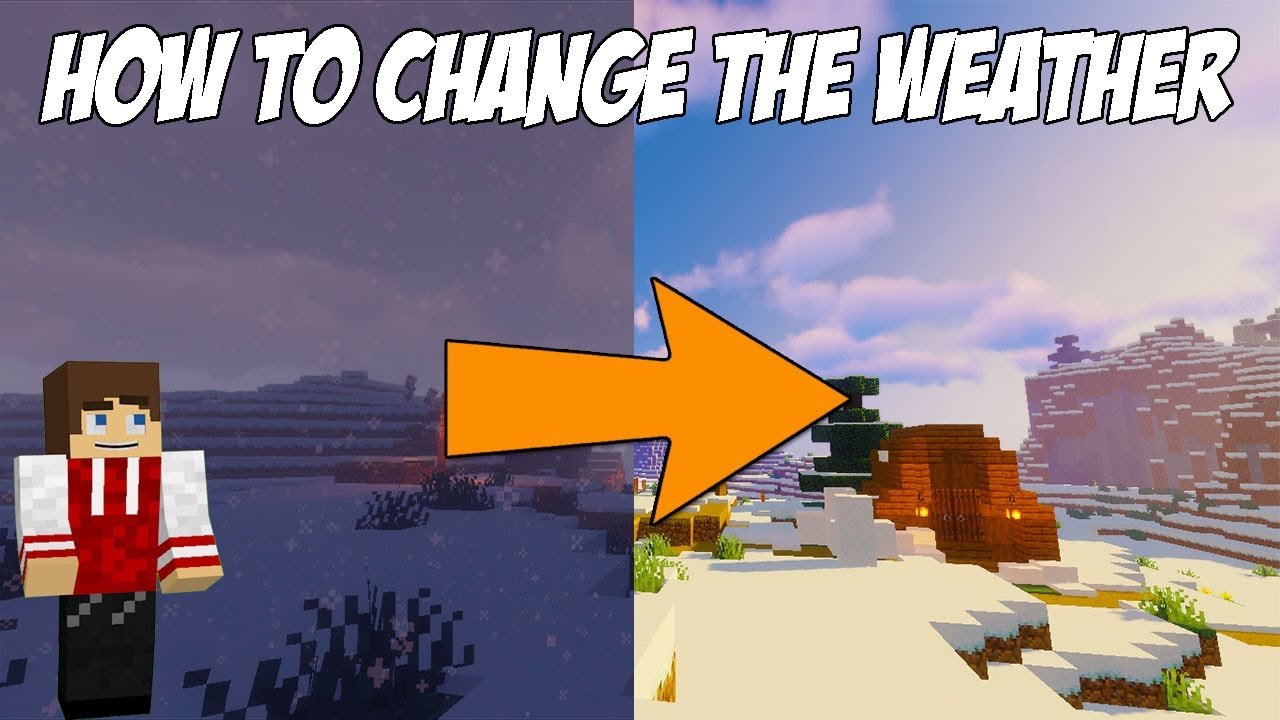
Ever been caught off guard by a drenching rainstorm while mining deep underground? Frustrating, right? That’s exactly why mastering How To Change Weather In Minecraft is the secret weapon you didn’t know you needed. Whether you’re aiming for pristine clear skies to build in peace or a raging thunderstorm to electrify your setup, weather control in Minecraft gives you the power to twist the elements to your favor. In this guide, we dive headfirst into grabbing that control back, revealing every major step you need to command the skies instantly and effectively. 🚀
- Commands can instantly switch between clear, rain, and thunder.
- Weather affects mob behavior and gameplay dynamics.
- Java Edition and Bedrock have slight command differences.
Understanding Minecraft Weather Mechanics
Before trying to flip the switch on weather, you gotta know how it ticks. Minecraft features three primary weather states:
- Clear Weather — blue skies, perfect visibility.
- Rain — slows down non-water mobs, can put out fires.
- Thunderstorm — causes lightning strikes & hostile mob buffs.
The world feels different when the weather switches up. Knowing the game’s mechanics helps you decide WHY and WHEN you’d want to pull the weather reins.
Enabling Cheats To Use Weather Commands
First hurdle: cheat commands are your only ticket to directly change weather. Without enabling cheats or commands on your world, you’re stuck with whatever Mother Nature throws. In single-player, turn on cheats when you create your world or enable them via pause menu settings. For servers, you’ll need operator status. Simple but crucial!
Activating Cheats in Single Player
- Pause the game.
- Choose “Open to LAN.”
- Toggle “Allow Cheats” to ON.
- Click “Start LAN World.”
Gaining Operator Privileges on Servers
Contact your server admin or use console commands if you own the server (e.g., /op YourName).
Precise Minecraft Weather Commands To Know
Here’s the bread and butter. These command lines control the Minecraft weather:
/weather clear [duration]– clears weather, optionally set time (seconds)./weather rain [duration]– starts rain for set duration./weather thunder [duration]– unleashes thunder and lightning.
Note: Duration is optional; default is 300 seconds if skipped.
Example Commands In Action
Try /weather clear 1200 to enjoy 20 minutes (1200 seconds) of perfect weather. Want to scare your friends? /weather thunder 60 turns the skies wild for a minute. 📑
Variations Between Minecraft Editions
Switching between Java and Bedrock editions? The commands mostly align but some syntactic subtlety exists:
- Java Edition uses straightforward
/weathercommands, no big surprises. - Bedrock Edition also uses
/weatherbut allows more scripting API for server-side control, as documented by Microsoft here.
Tips For Mastering Weather Control Gameplay Impact
It’s not just about aesthetics — weather affects gameplay dramatically:
- Rain puts out fires but reduces visibility.
- Thunderstorms increase hostile mob spawn rates outdoors.
- Lightning can ignite flammable blocks and even transform villagers into witches.
Automating Weather Changes For Servers
Tired of typing commands yourself? Use server plugins or command blocks to set automated weather cycles. Command blocks enable chained weather effects triggered by player actions or timers.
Setting Up A Command Block For Weather
- Get a command block:
/give @p command_block. - Place it, enter a weather command like
/weather clear 1000. - Configure redstone or timers to activate.
Common Mistakes To Avoid While Changing Weather
Don’t just mash commands blindly. Consider these pitfalls:
- Forgetting to enable cheats first.
- Using incorrect command syntax especially in Bedrock.
- Not specifying duration causing unexpected weather resets.
Real Player Scenario: Weather Save Game Mess-Up
Imagine: You set thunder in your survival world to fight mobs but forgot the duration. It rains forever. Your crops drown, and visibility tanks. Lesson? Always specify duration and keep backup saves.
Why Changing Weather Makes You A Better Minecraft Strategist
Weather manipulation isn’t just cosmetic — it’s strategic. Want to safely harvest crops? Clear weather. Hunting mobs? Thunder might grant advantage. You get powerful environmental control that adds depth to your play style. 💬
Legal & Ethical Considerations In Multiplayer Weather Changes
On multiplayer servers, never change weather without consent. It can disrupt gameplay ambiance or server events. Always check rules or get admin permission to keep the fun fair.
Want to see real command tutorials? Check out this comprehensive Minecraft weather commands tutorial for Java Edition.
Summary Table Of Minecraft Weather Commands
| Command | Description | Duration |
|---|---|---|
| /weather clear [seconds] | Sets clear weather | Optional, default 300 |
| /weather rain [seconds] | Starts rain | Optional, default 300 |
| /weather thunder [seconds] | Starts thunderstorm | Optional, default 300 |

Source: www.youtube.com
Frequently Asked Questions
How do I enable cheats to change weather in Minecraft?
To enable cheats, in single-player pause your game, choose ‘Open to LAN’, enable ‘Allow Cheats’, then start the LAN world. On servers, you must have operator privileges.
Can I change weather without cheats in Minecraft?
Unfortunately, no. Direct weather changes require cheats/commands. However, naturally occurring weather cycles still happen.
Does changing weather affect game performance?
Weather effects like rain and thunder can slightly impact performance on low-end devices due to particle effects and lighting changes.
What commands control weather in Minecraft Bedrock Edition?
Bedrock uses the same basic commands like /weather clear, /weather rain, and /weather thunder. For advanced control, scripting APIs can be used as explained on Microsoft’s documentation.
Is it possible to automate weather changes?
Yes, using command blocks or server-side plugins, you can automate weather changes on schedules or triggered by in-game events.
What happens during a thunderstorm in Minecraft?
Thunderstorms bring rain plus lightning strikes that can ignite fires and transform certain mobs, making the environment more dangerous.
Where can I learn more about advanced Minecraft weather commands?
Check out this detailed guide on weather change in Minecraft on Gaming Stack Exchange for community insights and tips.

Christina is a technical guide writer and gaming enthusiast with years of experience breaking down complex game settings. Specializing in server optimization and game mechanics, they are dedicated to helping players seamlessly customize their Minecraft experience—from updating skins and usernames to managing technical version settings.