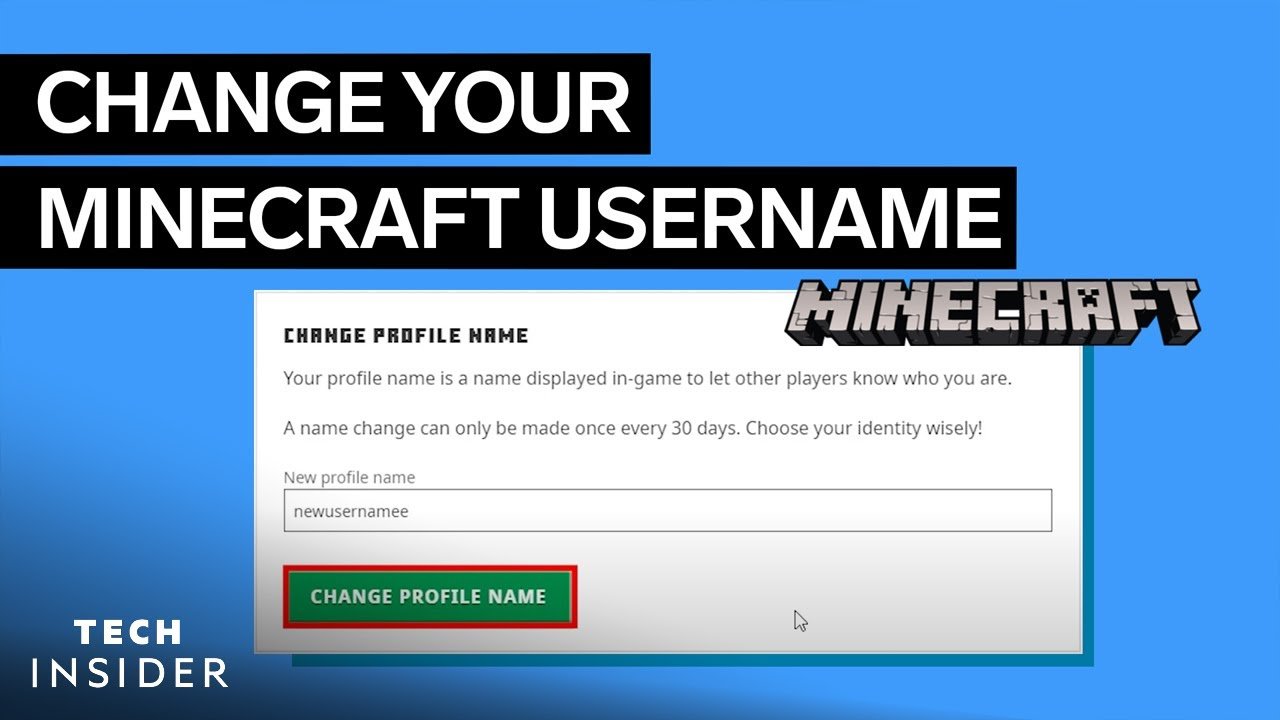
Ever found yourself staring at your Minecraft screen, wishing you had a cooler or more unique in-game name? Sounds common, right? Knowing how to change Minecraft name can seem a maze, but here’s the scoop – it’s surprisingly straightforward if you follow the right steps carefully. Whether you’re tired of ‘BlockMaster123’ or just want a name that stands out in multiplayer, this guide nails all you need in 2026 to get that new identity without breaking a sweat.
Understanding the Minecraft Name Change Process
Changing your Minecraft name isn’t just about typing a new tag—it’s tied to your Microsoft account since Mojang accounts merged with Microsoft in 2021. This means your Minecraft name operates within Microsoft’s systems, making the name change process centralized and streamlined but with specific rules.
What You Need Before Changing Your Name
- • An active Microsoft account linked to your Minecraft game.
• Access to your account login details.
• A brand new name not already taken by another player.
• Patience for the 30-day cooldown if you recently changed your name.
Step-by-Step Guide: How To Change Minecraft Name
- Log in to your Microsoft Minecraft profile page using your Microsoft credentials.
- Navigate to the profile settings or username edit section.
- Type your desired new Minecraft name. The system will instantly check availability.
- If available, confirm the name change. Remember, it can’t be undone for 30 days.
- Restart Minecraft to see your refreshed username in action.
Extra Tips for Picking Your Username
- ✅ Avoid offensive or trademarked terms to prevent rejections.
✅ Keep your name under 16 characters for compatibility.
✅ Use a mix of letters and numbers if your preferred name is taken.
✅ Avoid changing too often; your friends recognize you by your name!
Common Troubleshooting When Changing Minecraft Name
Sometimes, things don’t go as planned (you can’t be lucky all the time!). Here’s what to check:
- • Make sure your Microsoft account is verified and active.
• If the name is rejected, it might be already in use or blocked for being inappropriate.
• The 30-day waiting rule can be frustrating but helps stabilize identity.
• Clear your game cache or reinstall if your new name doesn’t show up immediately.
Why Changing Your Minecraft Name Matters in 2026
Video games evolve fast, and so do player identities. With Minecraft’s massive growth and constant updates, your name is part of your brand in multiplayer arenas and streaming. Changing it can reflect your new style, part of a clan, or just shake things up. Understanding how to change Minecraft name keeps you in control and fresh in the digital crowd.
Additional Resources
- Check out the Business Insider tutorial on username changes for a detailed walkthrough.
- Watch helpful visual guides like the Minecraft username change video tutorial for step-by-step visuals.

Source: www.youtube.com
Frequently Asked Questions
Can I change my Minecraft name anytime?
No, Minecraft allows name changes only once every 30 days. It’s a cooldown to prevent frequent identity shifts and ensure fairness.
Will my Minecraft name change affect my saved worlds?
Your saved worlds, skins, and purchase history remain intact after a name change. It’s purely a cosmetic title update.
What if my desired name is taken?
You’ll need to pick a different name not in use by other players. Try variations or add numbers to secure a unique tag.
Is changing my name the same on all platforms?
Generally yes, but remember Minecraft on consoles may use your Xbox Gamertag. Changing your Microsoft account name covers most platforms.
How can I confirm my name change was successful?
Log back into Minecraft, and your new name should display. If it doesn’t, restart the client or check your Microsoft account settings again.

Christina is a technical guide writer and gaming enthusiast with years of experience breaking down complex game settings. Specializing in server optimization and game mechanics, they are dedicated to helping players seamlessly customize their Minecraft experience—from updating skins and usernames to managing technical version settings.